.png)
Start show in minimized mode

The "Start show in minimized mode" feature allows the show to automatically begin in miniplayer mode instead of full-screen mode.
This means it occupies less space on the page and empowers users to continue browsing and interacting with other content while the show is in progress.
This feature is particularly beneficial for websites that want to showcase a show without disrupting the user experience or monopolizing too much screen space. By utilizing the miniplayer mode, users can still access the controls and interact with the show while simultaneously viewing other content on the page.
Starting a show minimized
To start a show minimized, you need to enable the "Start show in minimized mode" checkbox when creating the show and continue adding the other parameters to the show as usual. (See create Show Page)
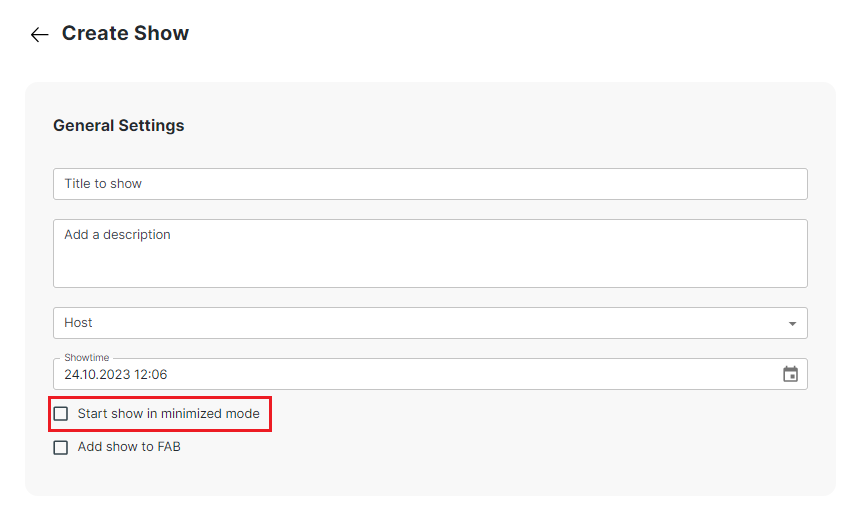
By doing this, the embed code of the created show will have the 'Start show in minimized mode' option enabled, which means that the presentation will automatically start in a minimized state.