.png)
VCC - My collections
In the "My Catalogue" section, you can organize all the images you generate. Here’s what you can do:
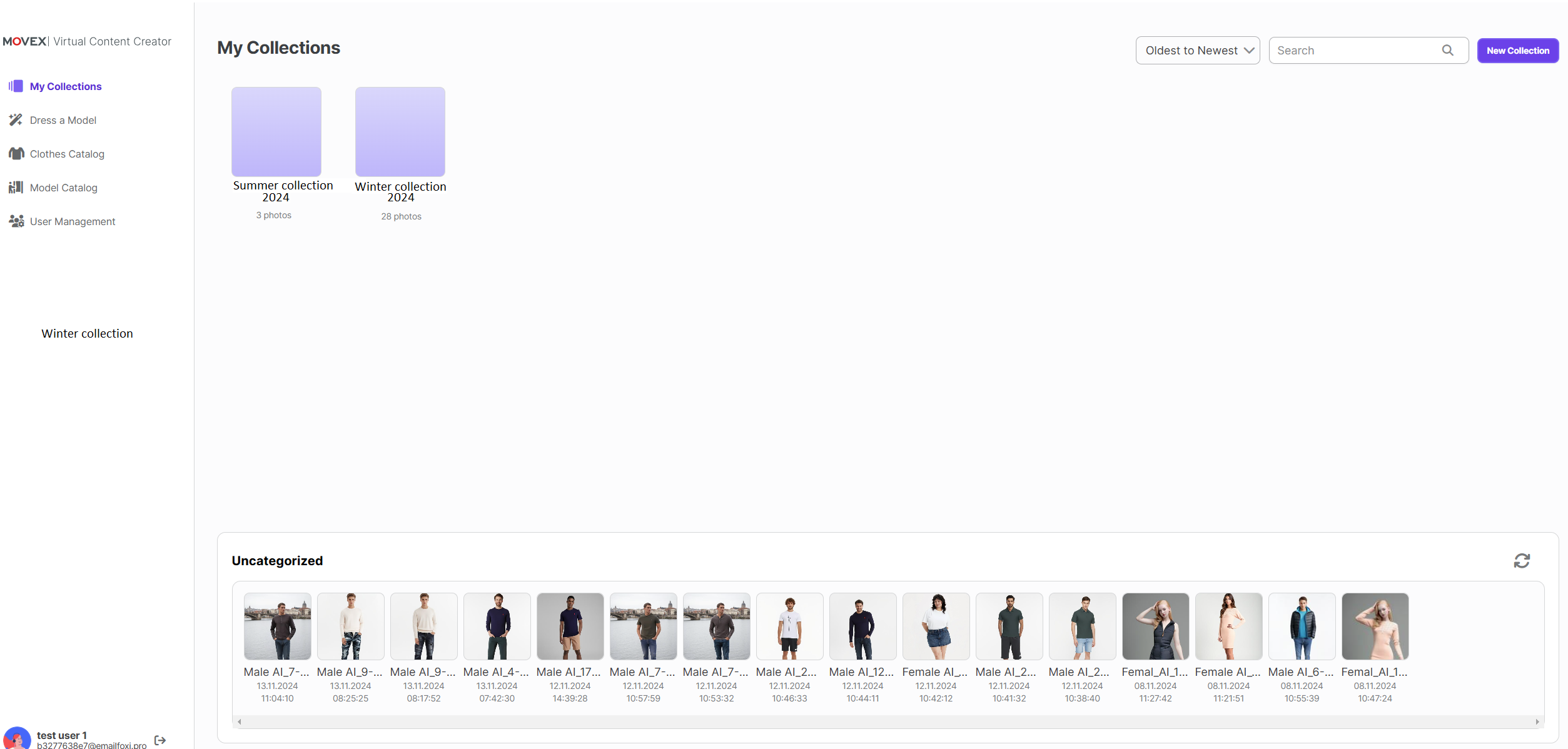
View Collections
At the top, you’ll see all the collections created for your company. Click on any collection to see the images it contains.
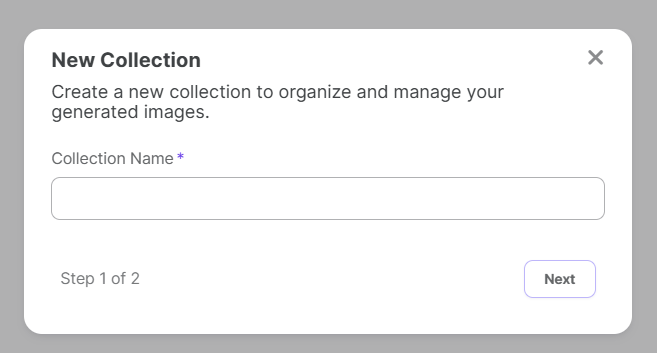
Create a New Collection
Want to organize your images? Click the "New Collection" button. You can give your collection a name and then select images to add to it.
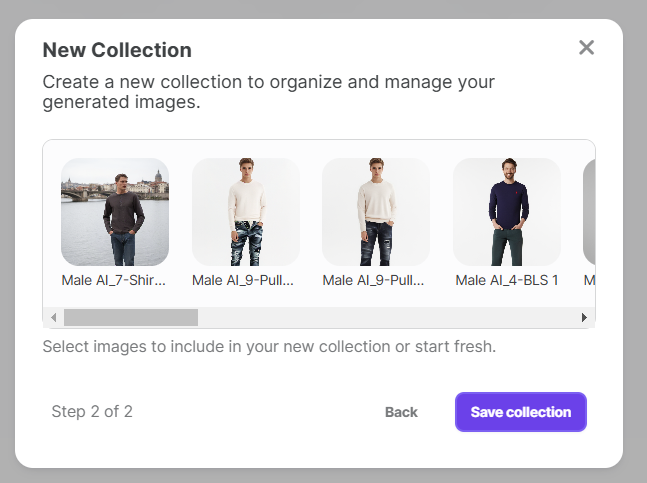
Manage Existing Collections
Click on an existing collection to view its pictures and details. You can also add more images to this collection from here.

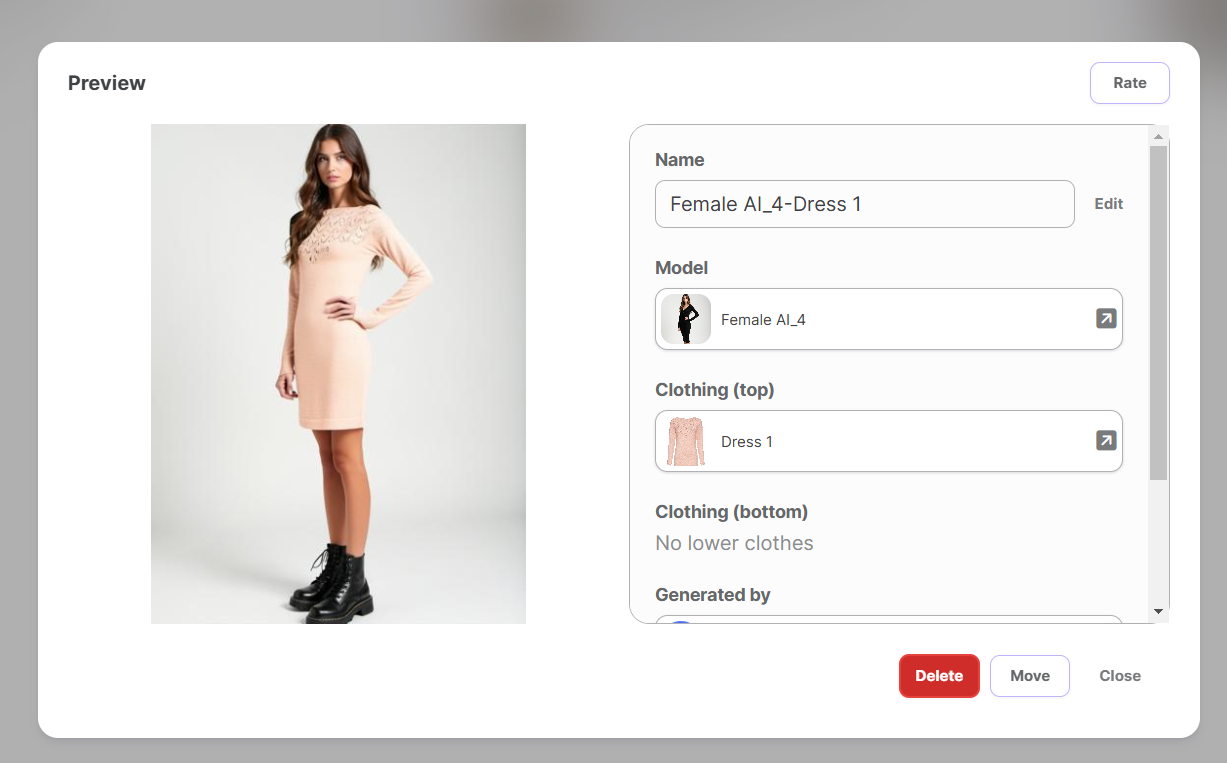
Click on Images
You can click on any generated image at any time to view its details. From there, you also have the option to delete the image or rate it according to your preference.
Uncategorized Images
At the bottom, there’s a section called "Uncategorized."
Here, you’ll find all images that haven’t been assigned to any collection yet. If an image generation fails, it will also appear in this section.
You can click on any image to view its details, delete it if needed, and rate the image.
