.png)
VCC - Clothes catalog
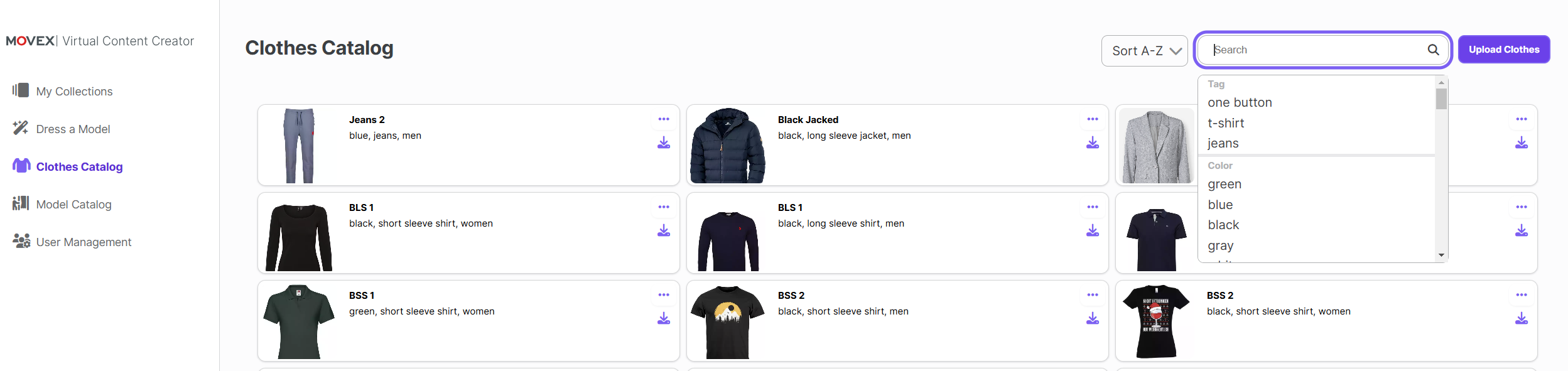
The "Clothes Catalog" section allows you to manage the clothing items that will be used in the "Dress a Model" feature. Here’s how it works:
Overview of Uploaded Clothes
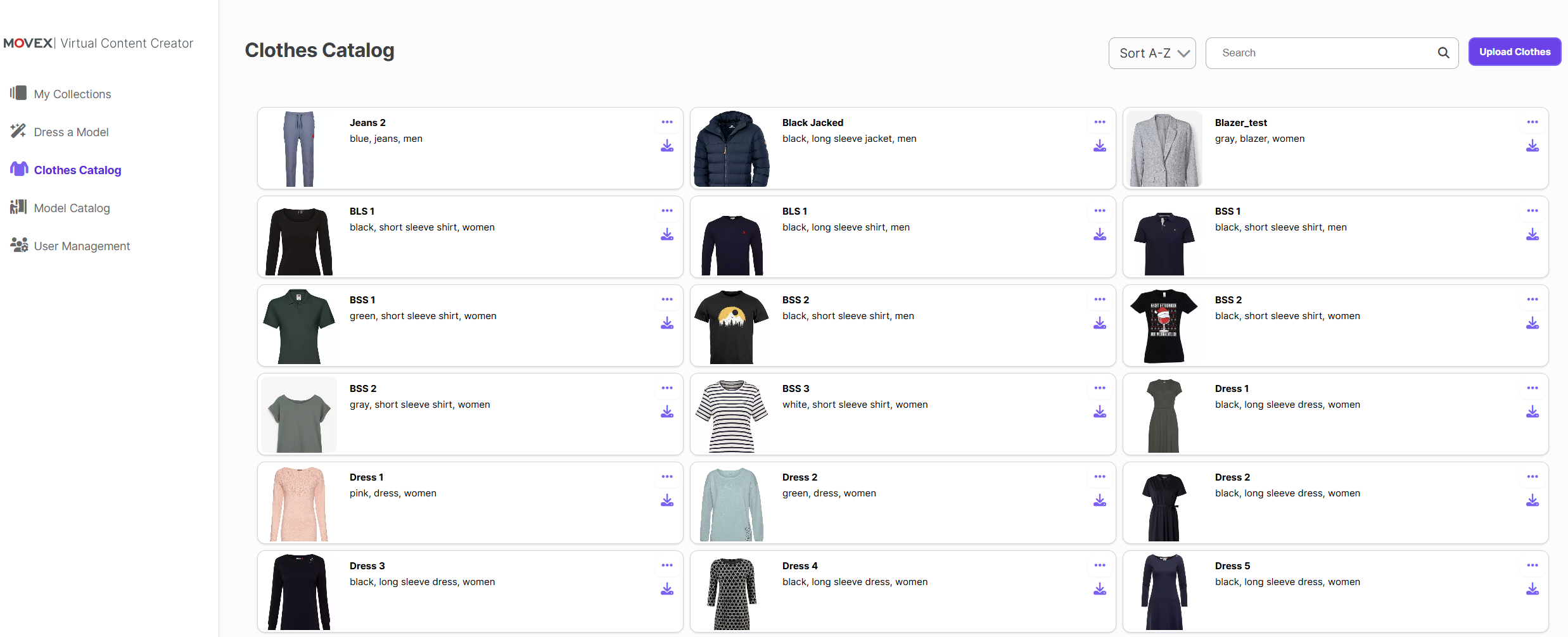
You can see an overview of all the clothes uploaded for your company. This helps you keep track of available clothing options.
View and Manage Clothes
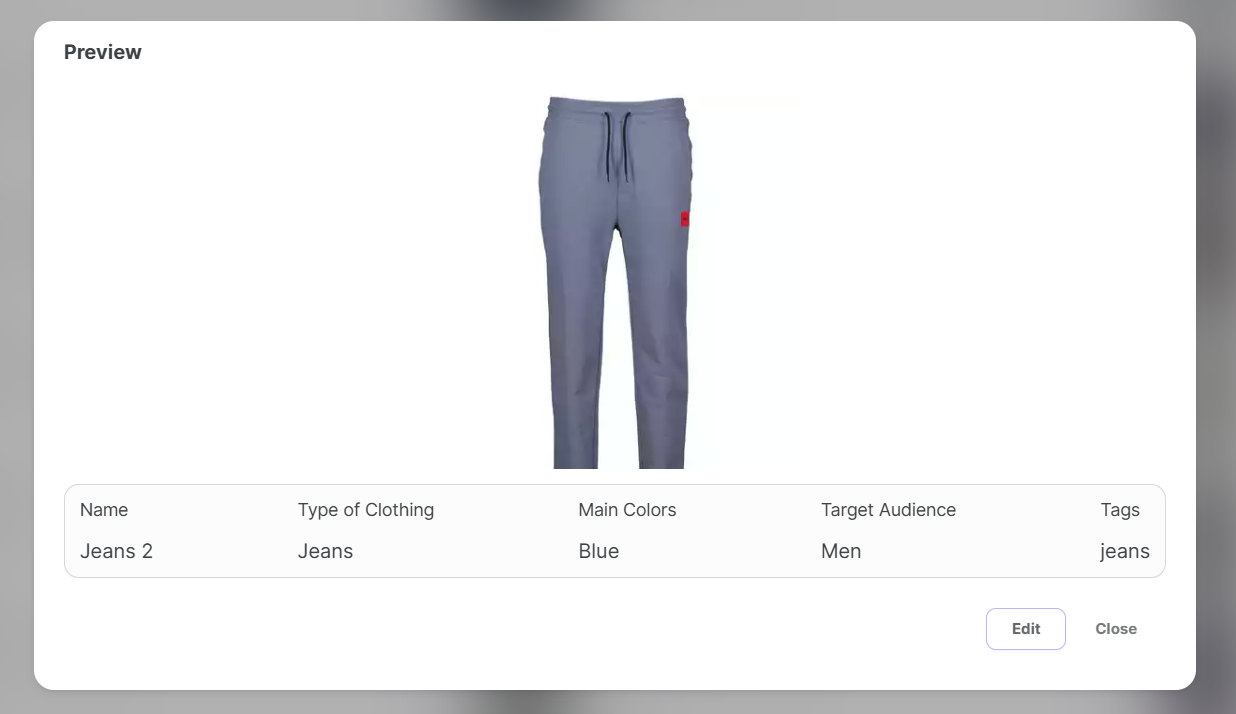
By clicking on any clothing item, you can view its details, edit the information, or delete it if necessary.
Sorting and Searching
You can easily sort the clothing items or use the search bar to find specific clothes quickly.
Uploading Clothes
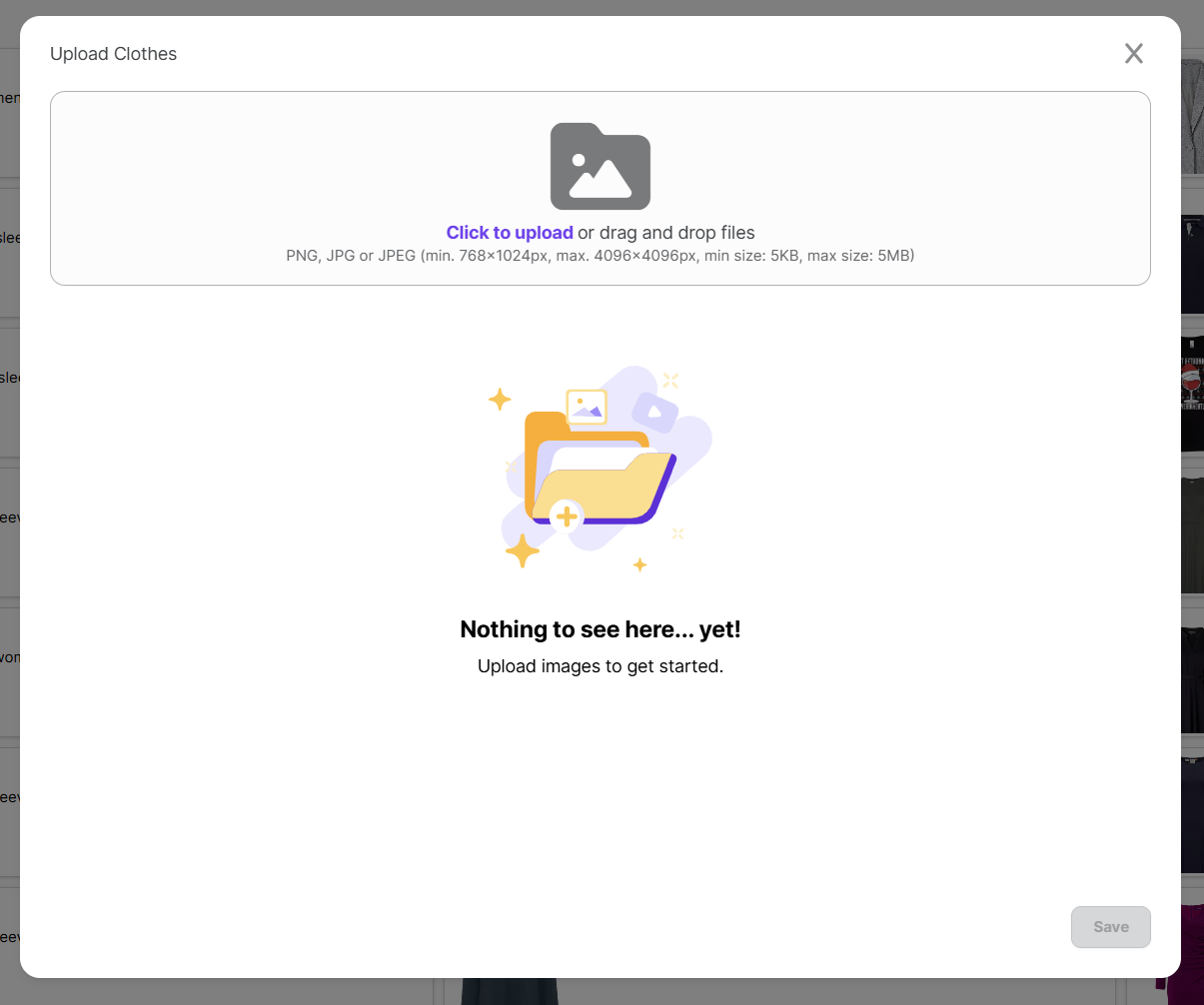
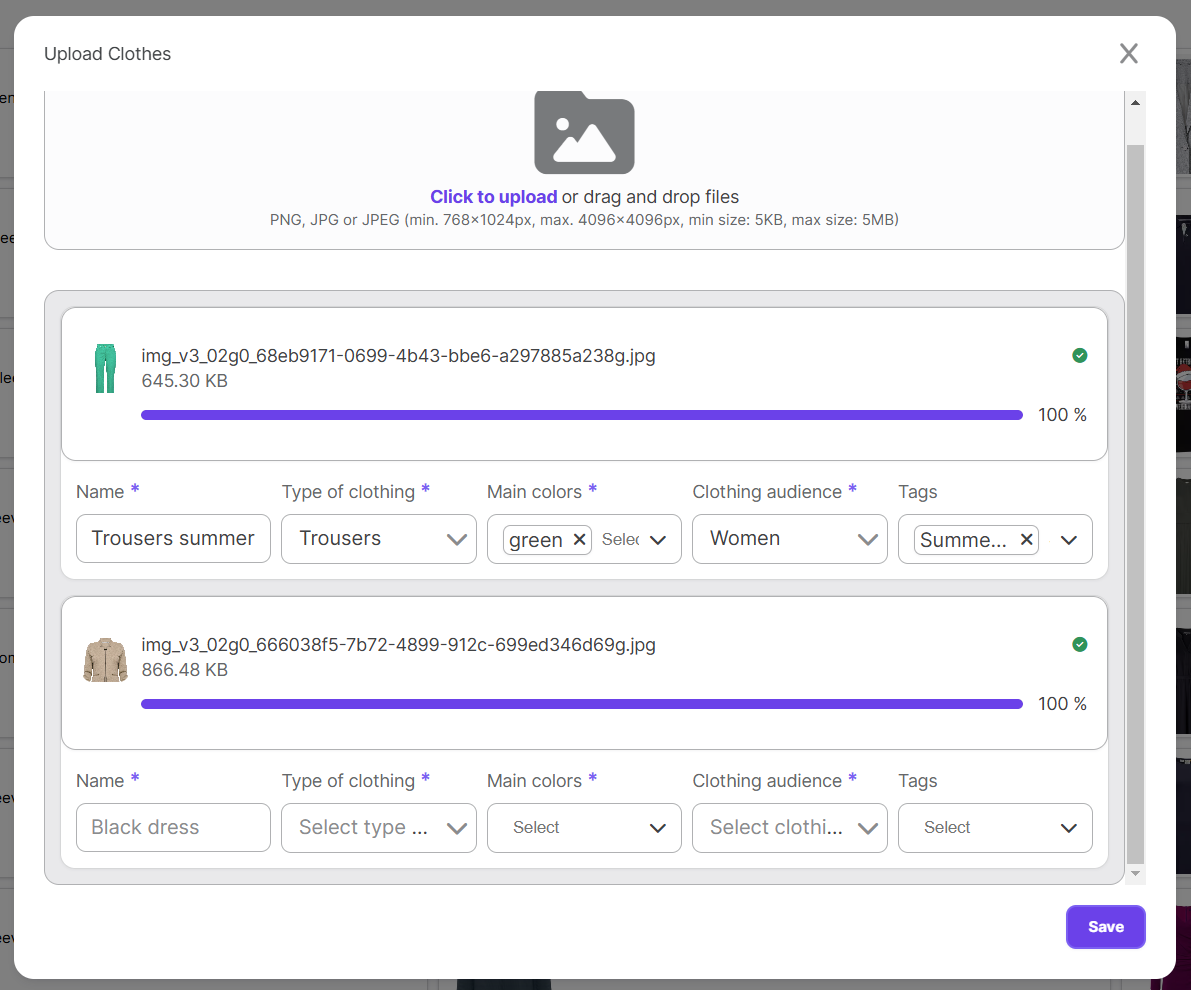
To upload new clothing images, click on the "Upload Clothes" button. You can select one or more pictures from your local storage—upload as many as you want!
Once the pictures are uploaded, you will need to provide some parameters to categorize them. This step ensures that your clothing items are organized and easily accessible for future use.