.png)
Cover Screens Information

Our platform provides a practical feature that allows you to personalize cover screens for different stages of your show: Pre-show, Pause, and End-show.
Cover screens are visual elements that can be used to showcase your brand identity, share important information, or prompt viewers to take specific actions.
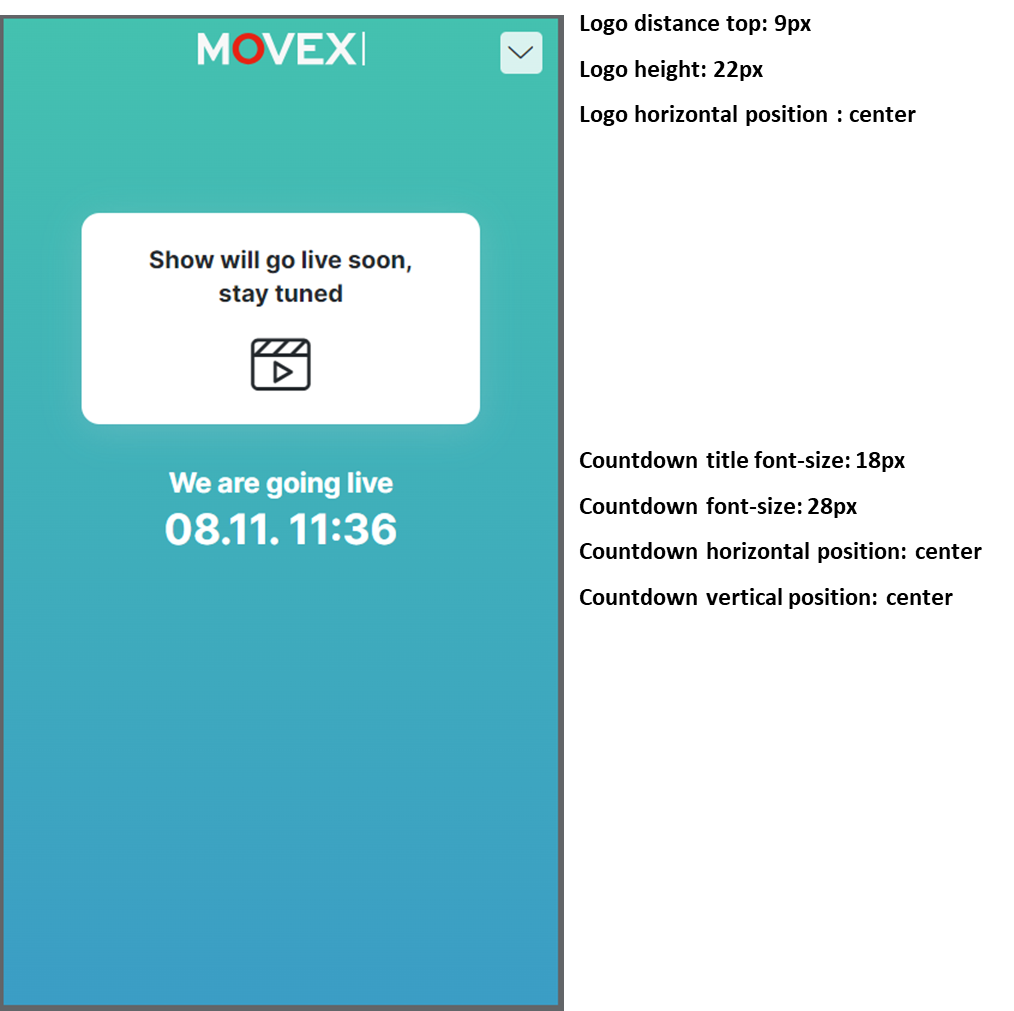
1. Pre-show Cover Screen
Purpose: To build excitement and keep your audience informed about the upcoming show.
You can upload a cover screen featuring a countdown timer, displaying the scheduled date and time of the show.
This helps capture viewers’ attention and ensures they know exactly when the live session will start.
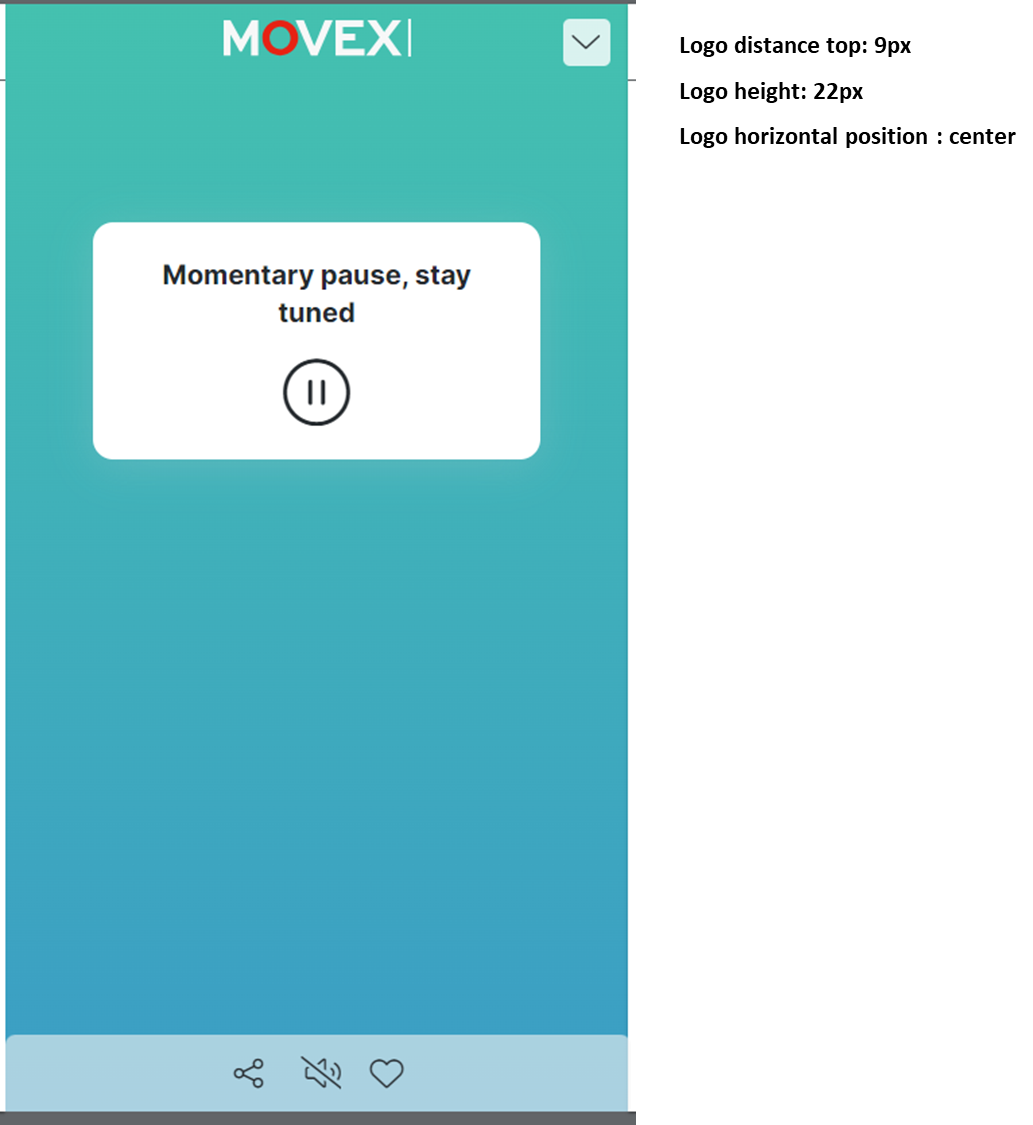
2. Pause Cover Screen
Purpose: To keep viewers engaged during breaks.
The pause cover screen can display a message informing viewers that the show is temporarily on hold and will resume shortly.
This helps maintain audience interest even when the broadcast is paused.
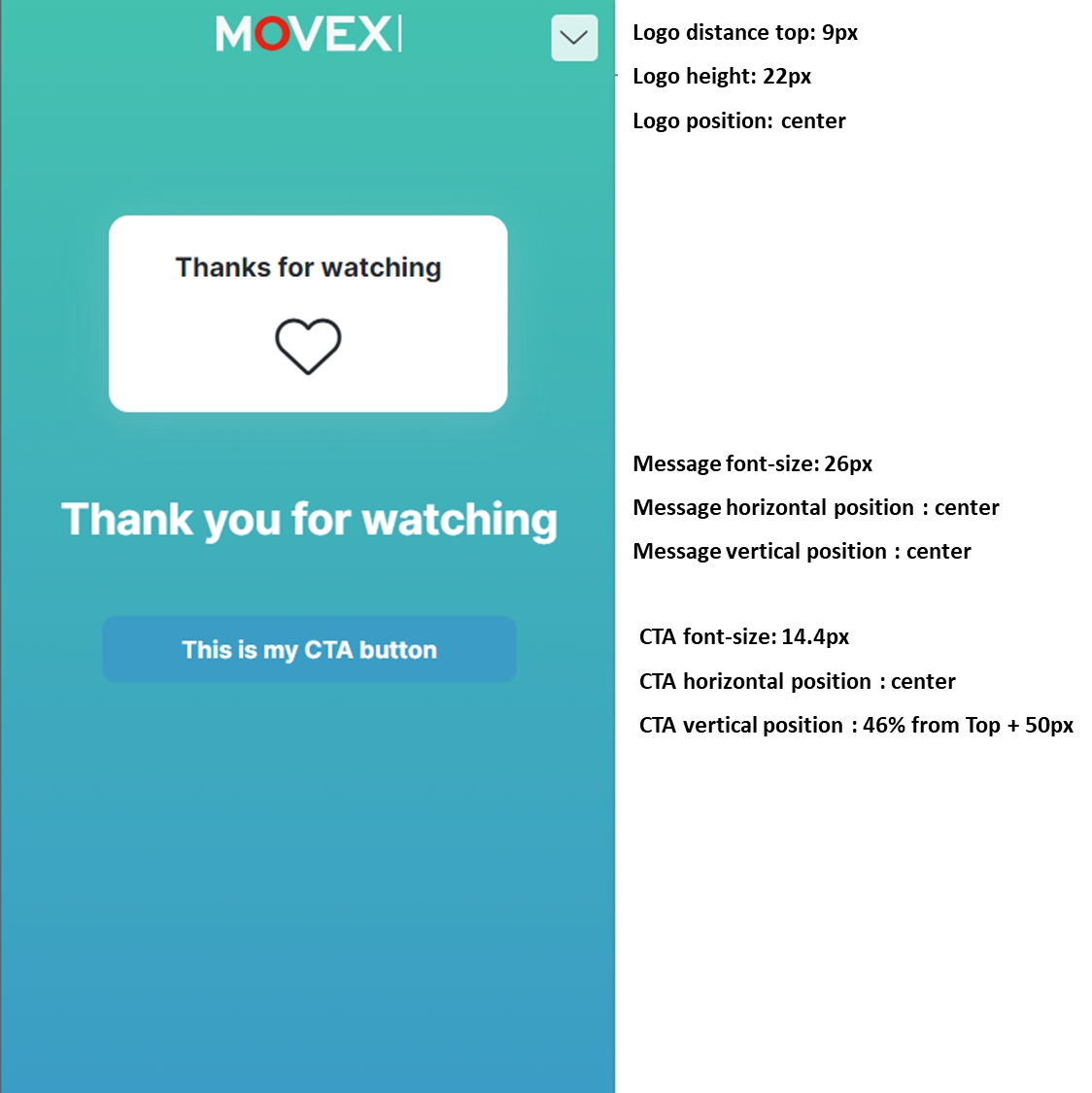
3. End-show Cover Screen
Purpose: To drive post-show engagement.
At the end of the show, you can display a call-to-action (CTA) button on the cover screen.
Examples of CTAs include:
Directing viewers to your website or product pages
Encouraging newsletter subscriptions
Promoting special offers or upcoming events